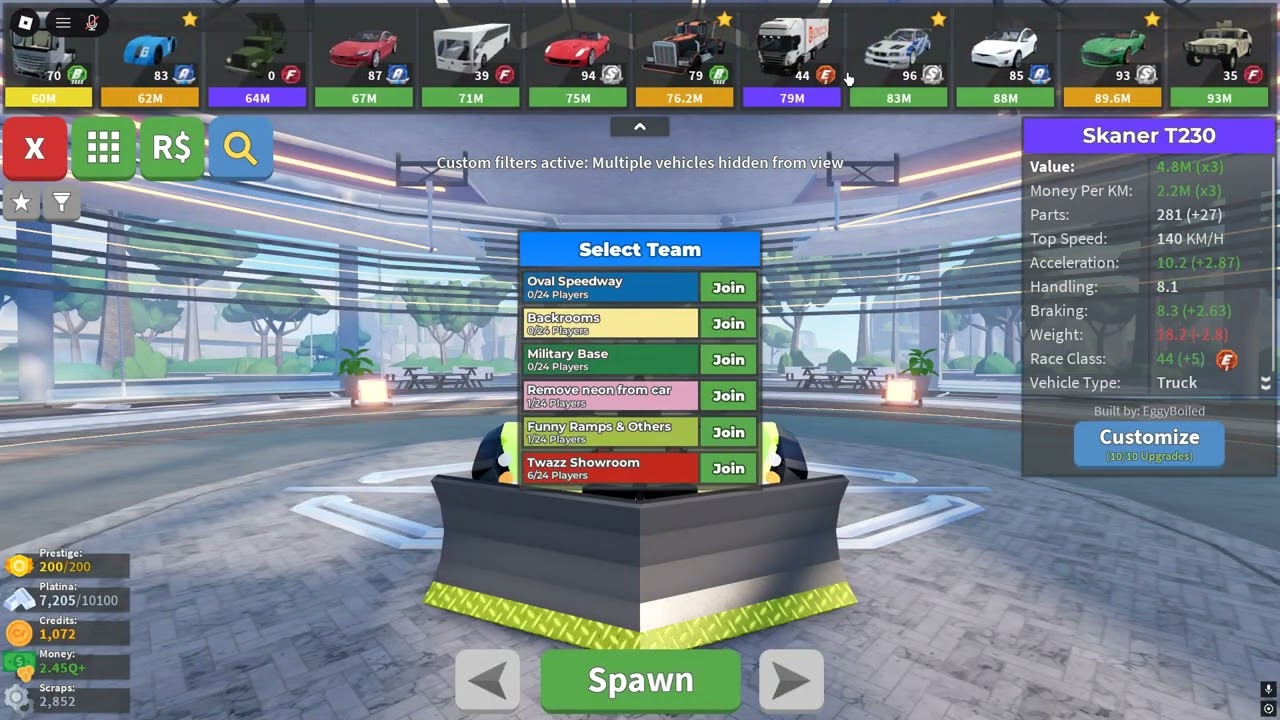
What is the bug?
Answer: You can select any car even if its a blacklisted or whitelised car when you are in a Neutral team by simply clicking “View car” in the tasks in any Custom Server
How often does the bug happen? (Everytime, sometimes or rarely)
Answer: Everytime, you can do this whenever you want
What device did you play on? (Computer, Phone, Tablet or Xbox)
Answer: Computer
What steps do you need to take for it to happen? List them in very high detail:
1. Join a custom server
2. Don’t join any teams and on the top right corner choose “Volcano Stunting” missions
3. Select “View vehicle” button
4. Take every car thats you want no matter if its blacklisted or whitelisted in Custom Server
Is the bug related to GUI/Interface on the screen? Or did the bug only appear for you? Check yes if the bug didn’t happen for everyone in the server at the same time.
Yes/No: this bug is related to GUI/Interface on the screen
If yes, screenshot all red and yellow text in the developer console and post it here. (Open console by pressing F9 on computer, or by saying /Console in the chat)
Nothing appears in console.
**Roblox username:twazznya **
For the most part, this isn’t a problem, but just a workaround to get cars that are blacklisted on the server, but you can literally take any car with this bug
(this screenshot shows P1000 Ratte in RP server where the tank is blacklisted, its not visible in the screenshot, but this player was on “neutral team”)
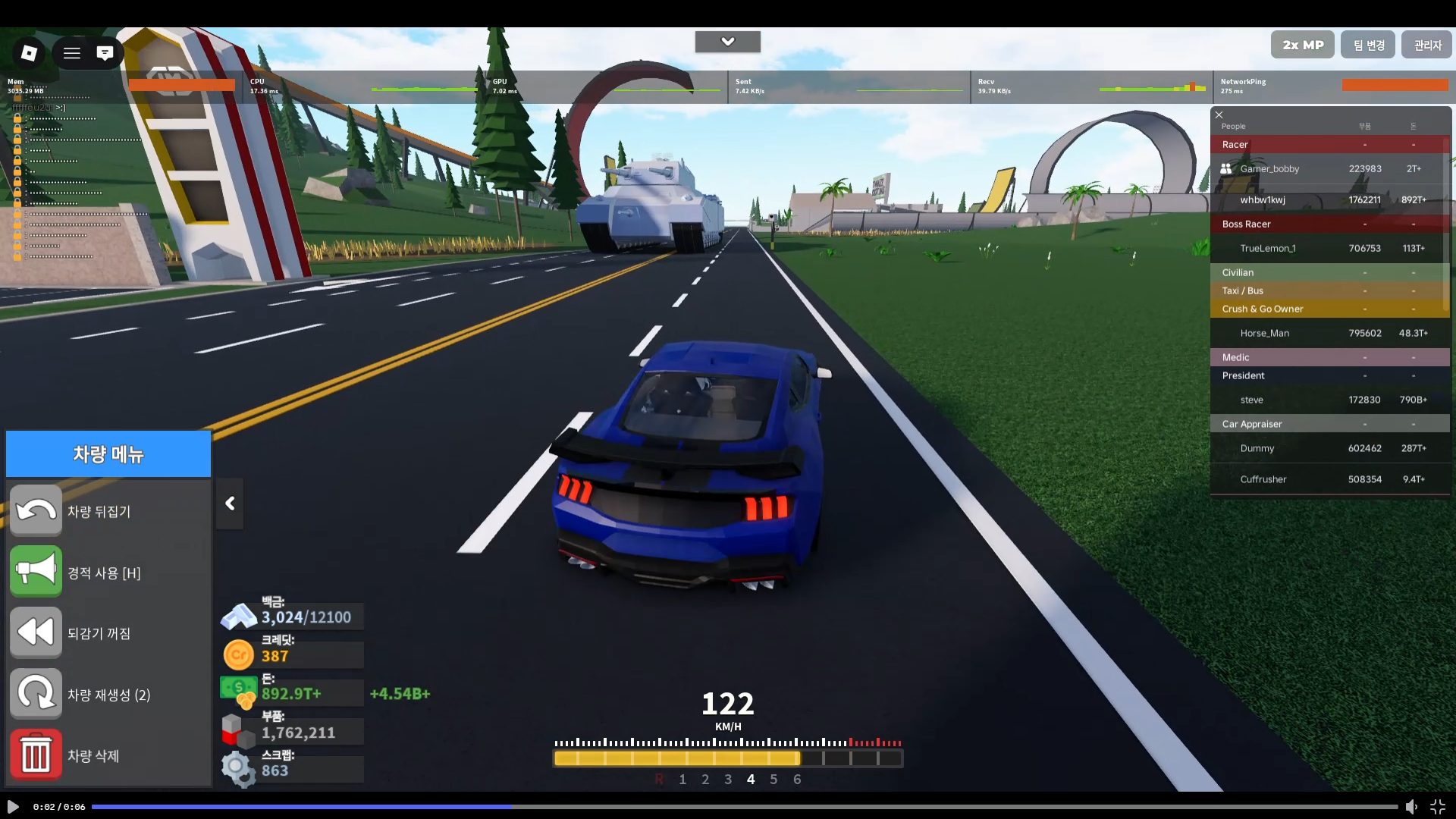
And video how to do this