Can the bug be found among the known bugs in the trello Trello?
If so, upvote it there instead!
Answer: I checked the Trello board and could not find this specific bug listed.
What is the bug?
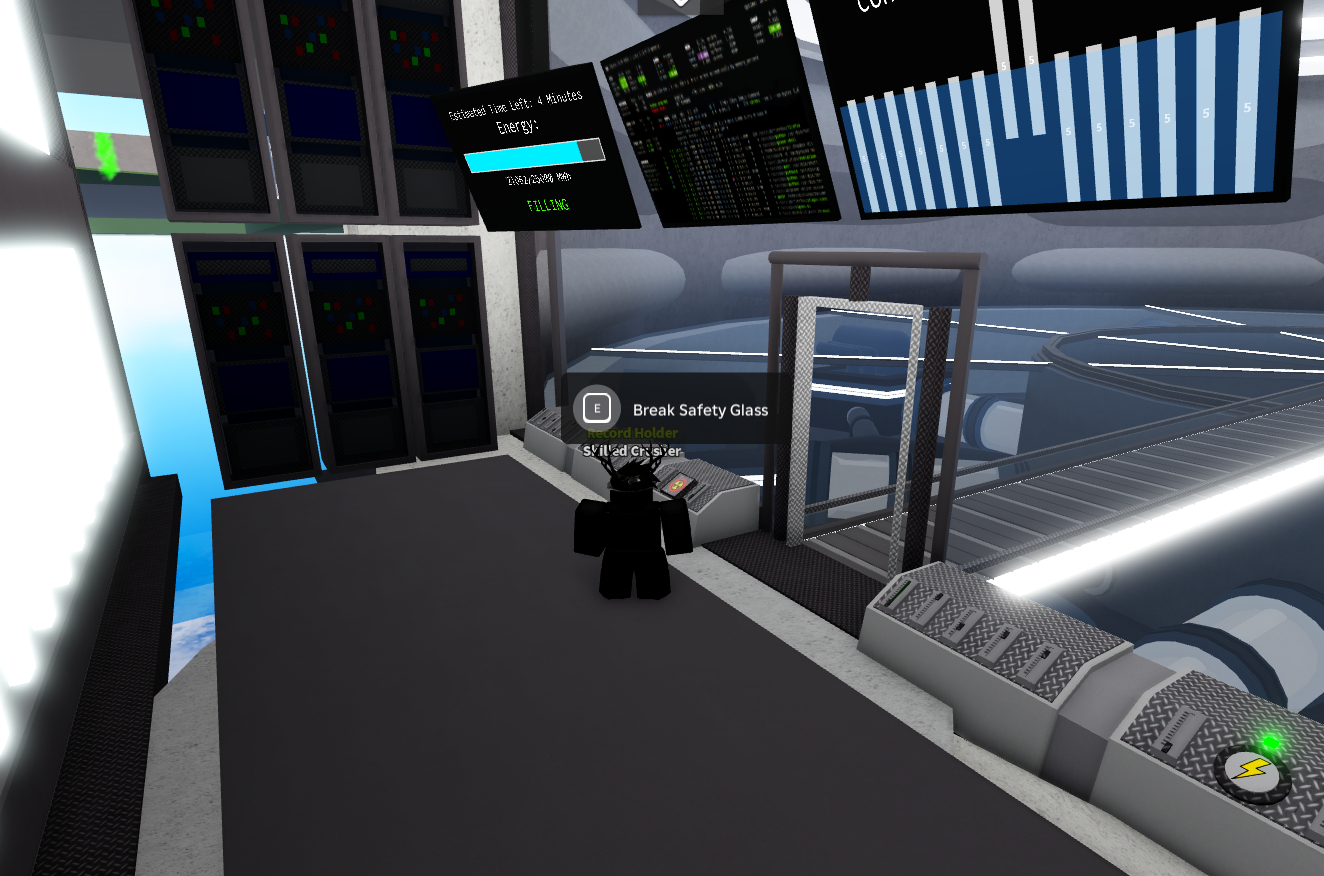
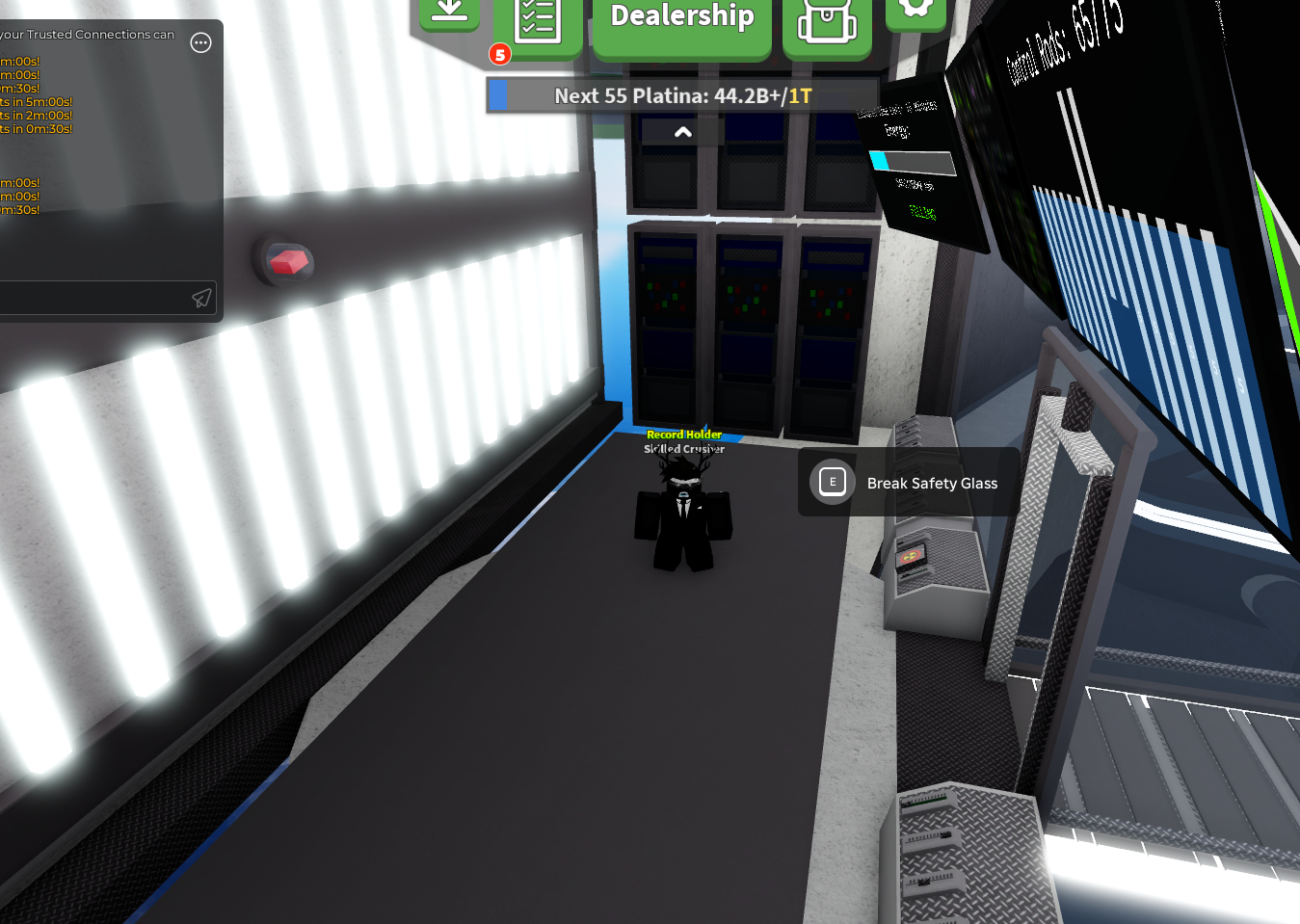
Answer: The Core Room is not loading properly. Parts of the room, including structures, are missing or not rendering correctly. The area looks incomplete and visually broken.
How often does the bug happen? (Everytime, sometimes or rarely)
Answer: Everytime
What device did you play on? (Computer, Phone, Tablet or Xbox)
Answer: Computer
What steps do you need to take for it to happen? List them in very high detail:
Join Car Crushers 2.
Spawn into the map.
Go to the Core Room area.
Enter the Core Room.
The room does not load correctly parts of the environment are missing.
Is the bug related to GUI/Interface on the screen? Or did the bug only appear for you?
Check yes if the bug didn’t happen for everyone in the server at the same time.
Yes/No: Yes
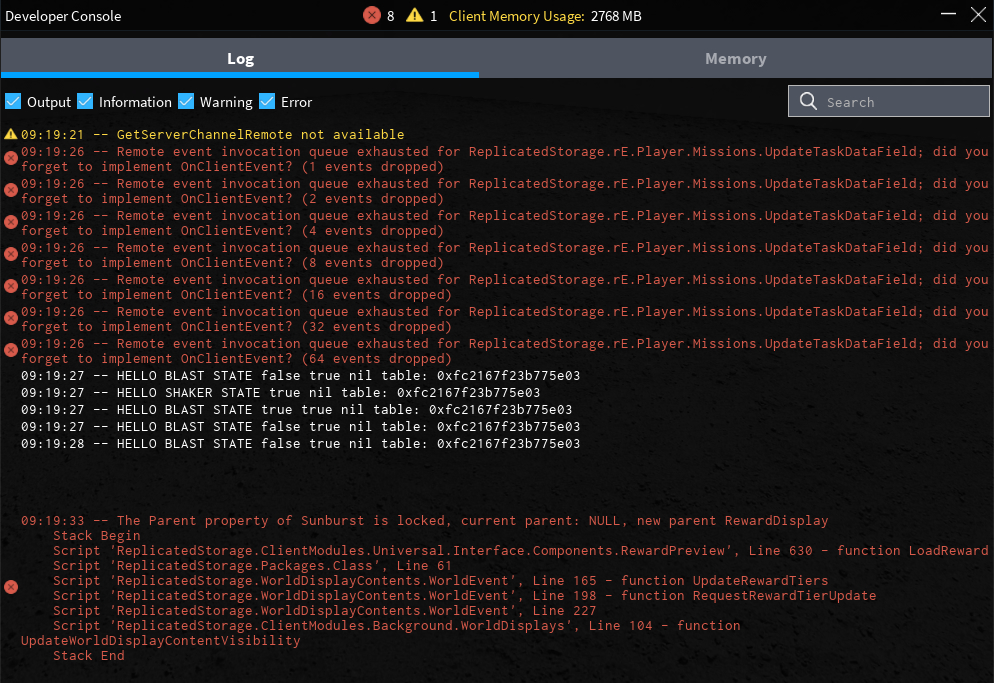
If yes, screenshot all red and yellow text in the developer console and post it here.
(Open console by pressing F9 on computer, or by saying /Console in the chat)
Answer:
Its not a Roblox issue! The bug comes directly from in-game scripts in ReplicatedStorage (e.g. WorldDisplays, RewardPreview) if it were a Roblox engine bug, the bug would not point to specific Car Crushers 2 scripts, but to general engine functions.
Its not a Roblox issue! The bug comes directly from in-game scripts in ReplicatedStorage (e.g. WorldDisplays, RewardPreview) if it were a Roblox engine bug, the bug would not point to specific Car Crushers 2 scripts, but to general engine functions.
why do i get the feeling you have no idea what you’re talking about
because i’ve had this happen to me before and a simple rejoin fixes it + what does a rewardpreview script have to do with rendering some roblox blocks