Can the bug be found among the known bugs in the trello Trello? If so, upvote it there instead!
What is the bug?
Answer: The 3 buttons in the Server Configuring Panel will disappear after configuring a setting in the teams
How often does the bug happen? (Everytime, sometimes or rarely)
Answer: Everytime
What device did you play on? (Computer, Phone, Tablet or Xbox)
Answer: Computer
What steps do you need to take for it to happen? List them in very high detail:
- Use the Server Configuring Beta
- Customize the team settings to any you like
- Press the ‘Save & Close’ button
- Reopen the panel, and the buttons are not present
Is the bug related to GUI/Interface on the screen? Or did the bug only appear for you? Check yes if the bug didn’t happen for everyone in the server at the same time.
Yes/No: The bug is related to the GUI/Interface on the screen
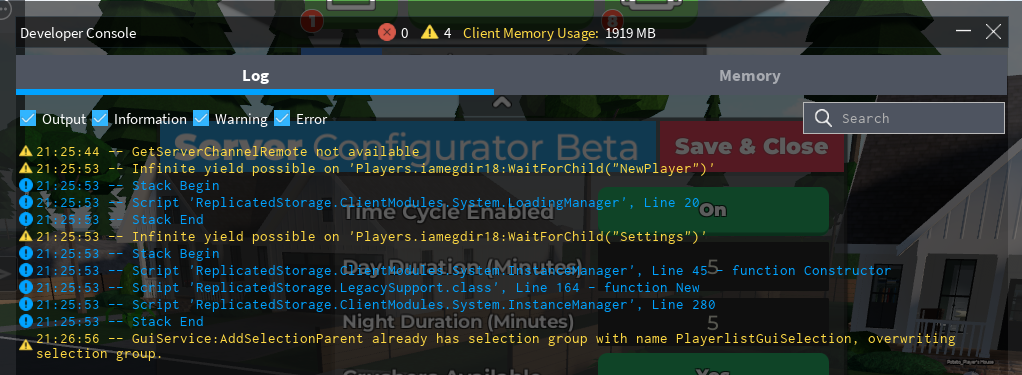
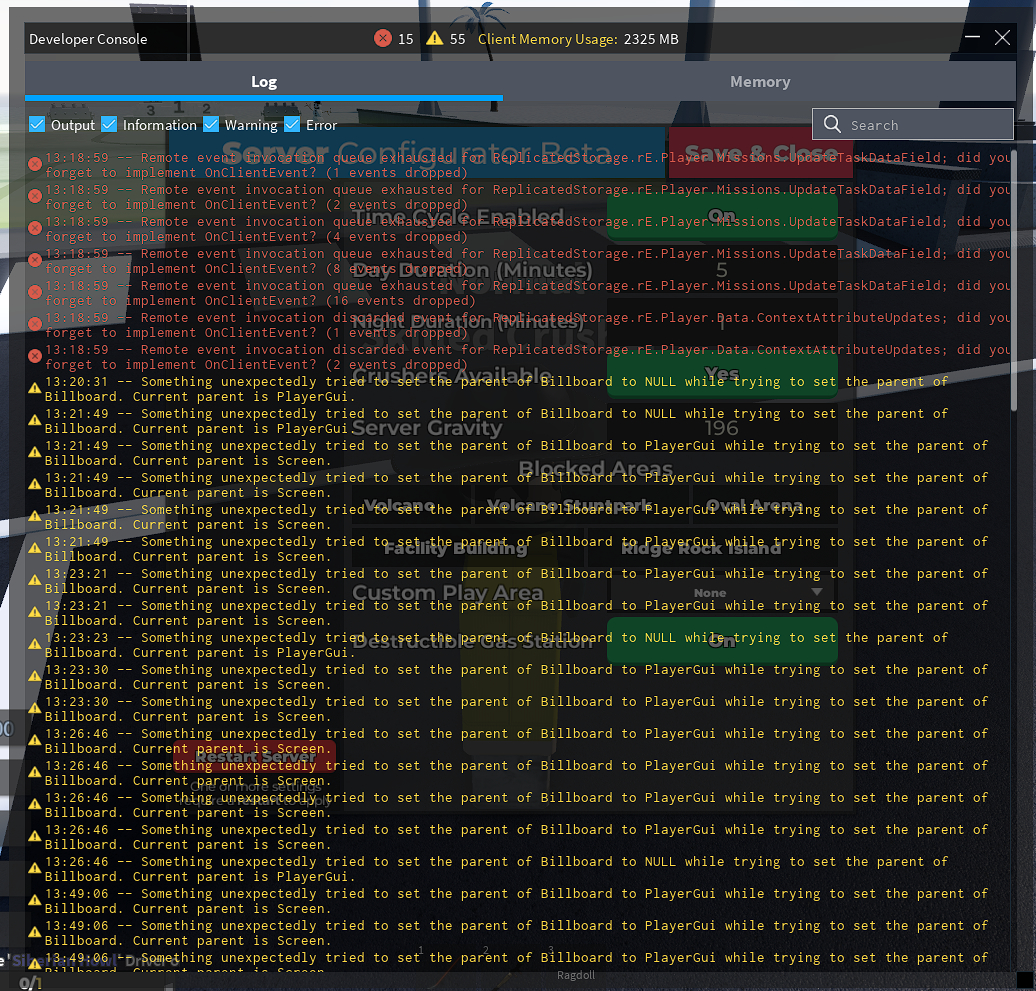
If yes, screenshot all red and yellow text in the developer console and post it here. (Open console by pressing F9 on computer, or by saying /Console in the chat)
Roblox username: iamegdir18
Apparently, the buttons are still there when I press the ‘Back’ button, but when I press ‘Save & Close’, the buttons still disappear.
It won’t get fixed until you either restart or rejoin a server.
Quite an oversight even after all these months, though it’s still a little annoying to deal with.
Can the bug be found among the known bugs in the trello Trello? If so, upvote it there instead!
What is the bug?
Answer: Options on open server configurator do not show
How often does the bug happen? (Everytime, sometimes or rarely)
Answer: It happens evrytime I my private server
What device did you play on? (Computer, Phone, Tablet or Xbox)
Answer: Computer
What steps do you need to take for it to happen? List them in very high detail:
- Not steps but ok- Evrytime I join my private server to change the settings on my admin panel specifically on the option “Open server configurator” it works fine but after multiple openings of the panel the options just disappear and I have to rejoin to make them appear again
Is the bug related to GUI/Interface on the screen? Or did the bug only appear for you? Check yes if the bug didn’t happen for everyone in the server at the same time.
Yes/No:Yes
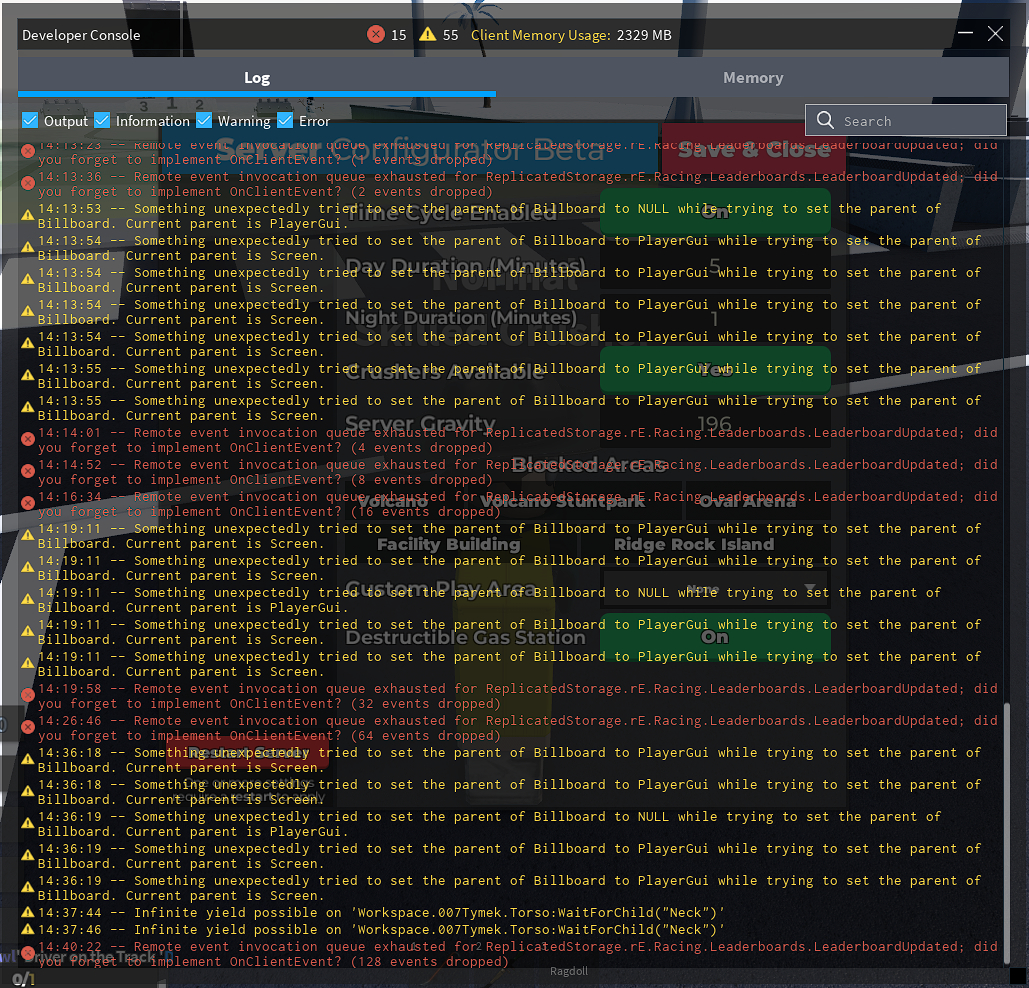
If yes, screenshot all red and yellow text in the developer console and post it here. (Open console by pressing F9 on computer, or by saying /Console in the chat)
Roblox username:007Tymek
Can the bug be found among the known bugs in the trello Trello? If so, upvote it there instead!
What is the bug?
Answer: simply most of the fundamental options disappear
How often does the bug happen? (Everytime, sometimes or rarely)
Answer: Everytime
What device did you play on? (Computer, Phone, Tablet or Xbox)
Answer: Computer
What steps do you need to take for it to happen? List them in very high detail:
- I just open the server configurator, click on the teams, then click to edit any team, with the team editing tab open, I close the server configurator directly, after that when I click and open it again, the other options like ban, teams, among others disappear
Is the bug related to GUI/Interface on the screen? Or did the bug only appear for you? Check yes if the bug didn’t happen for everyone in the server at the same time.
Yes/No: Yes
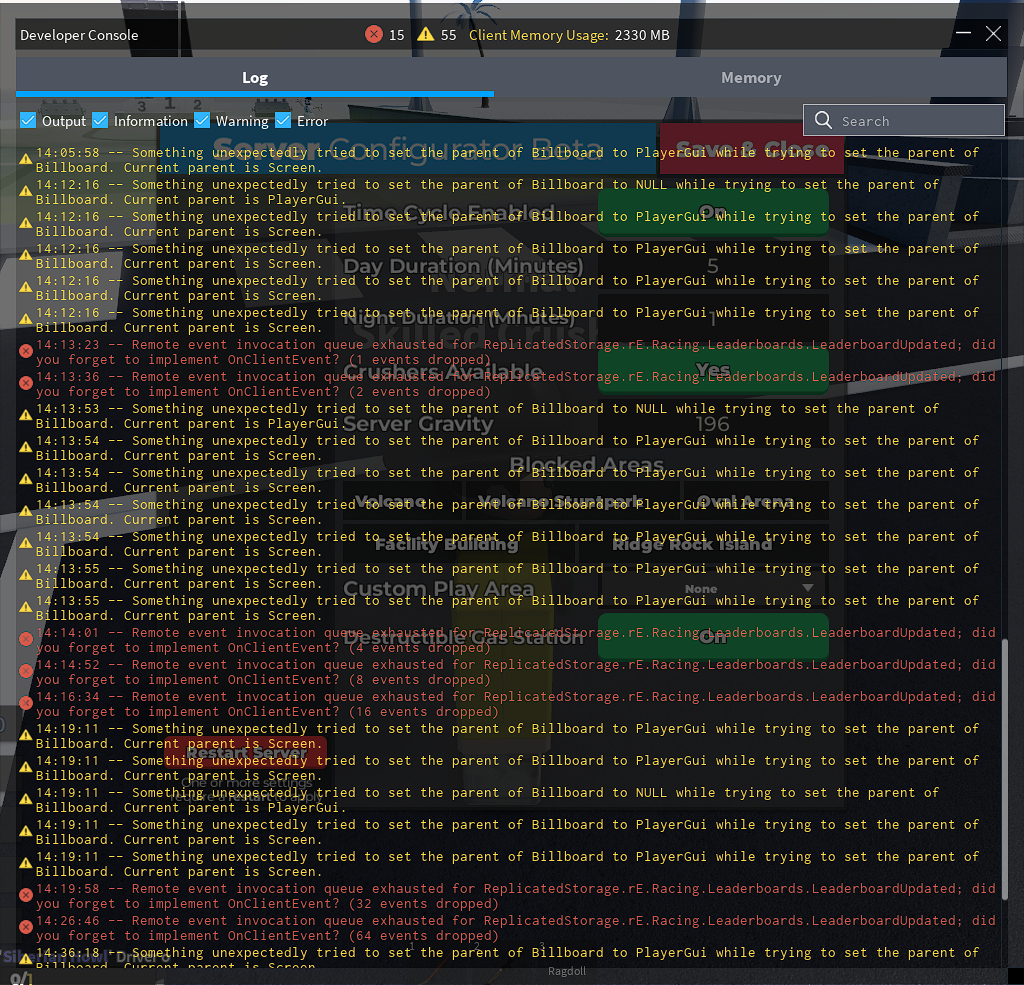
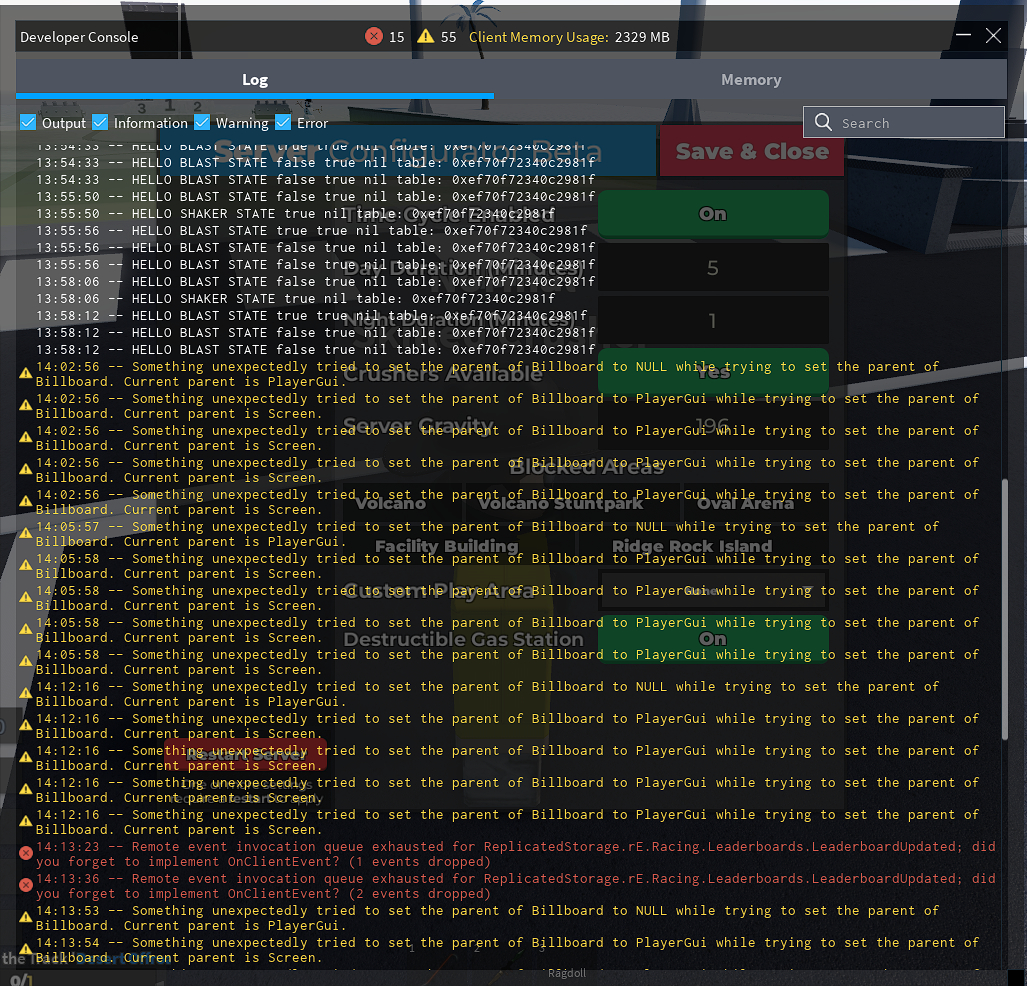
If yes, screenshot all red and yellow text in the developer console and post it here. (Open console by pressing F9 on computer, or by saying /Console in the chat)
Roblox username: gux_xtavo12
Hell, so that was it! I didn’t know it was related to viewing a team…
Can the bug be found among the known bugs in the trello Trello? If so, upvote it there instead!
What is the bug?
Answer: Server Configurator Still Breaks if you exit while editing a team
How often does the bug happen? (Everytime, sometimes or rarely)
Answer: every time
What device did you play on? (Computer, Phone, Tablet or Xbox)
Answer: Phone, but might be more. Can’t check rn
What steps do you need to take for it to happen? List them in very high detail:
- Open the configurator
- Switch to Teams tab
- Edit a team
- Exit and reenter the configurator
- There is no menu.
Is the bug related to GUI/Interface on the screen? Or did the bug only appear for you? Check yes if the bug didn’t happen for everyone in the server at the same time.
Yes/No: interface related; and idk if it happens to everyone cause only one preson can have the configurator…
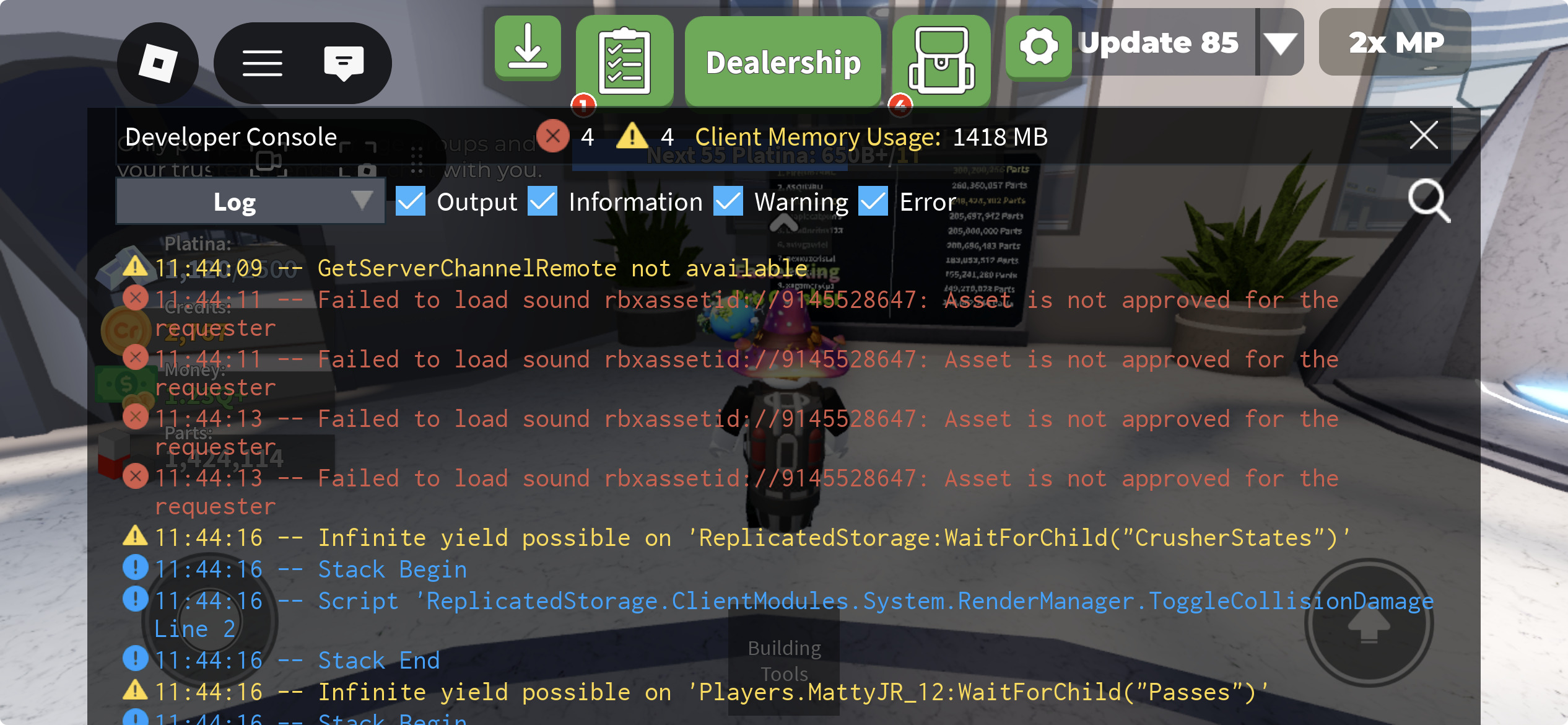
If yes, screenshot all red and yellow text in the developer console and post it here. (Open console by pressing F9 on computer, or by saying /Console in the chat)
Roblox username: MattyJR_12
Note. I already have Pro Crusher but feel I have to report it anyway
Video:
It’s still not fixed apparently
I knew this bug was alr reported but since it was fixed allegedly I thought I had to report it again. Will know for next time, sorry.